Instagram DM link menu template
Create a Linkar DM link menu for Instagram. Respond to MENU with your most useful pages and keep the choices clear, current, and easy to follow.
Use Linkar for restaurant and cafe enquiries on Instagram. Share menus, opening hours, and reservation links while your team serves guests.
Free to start. Paid plans from ₹199 a month.
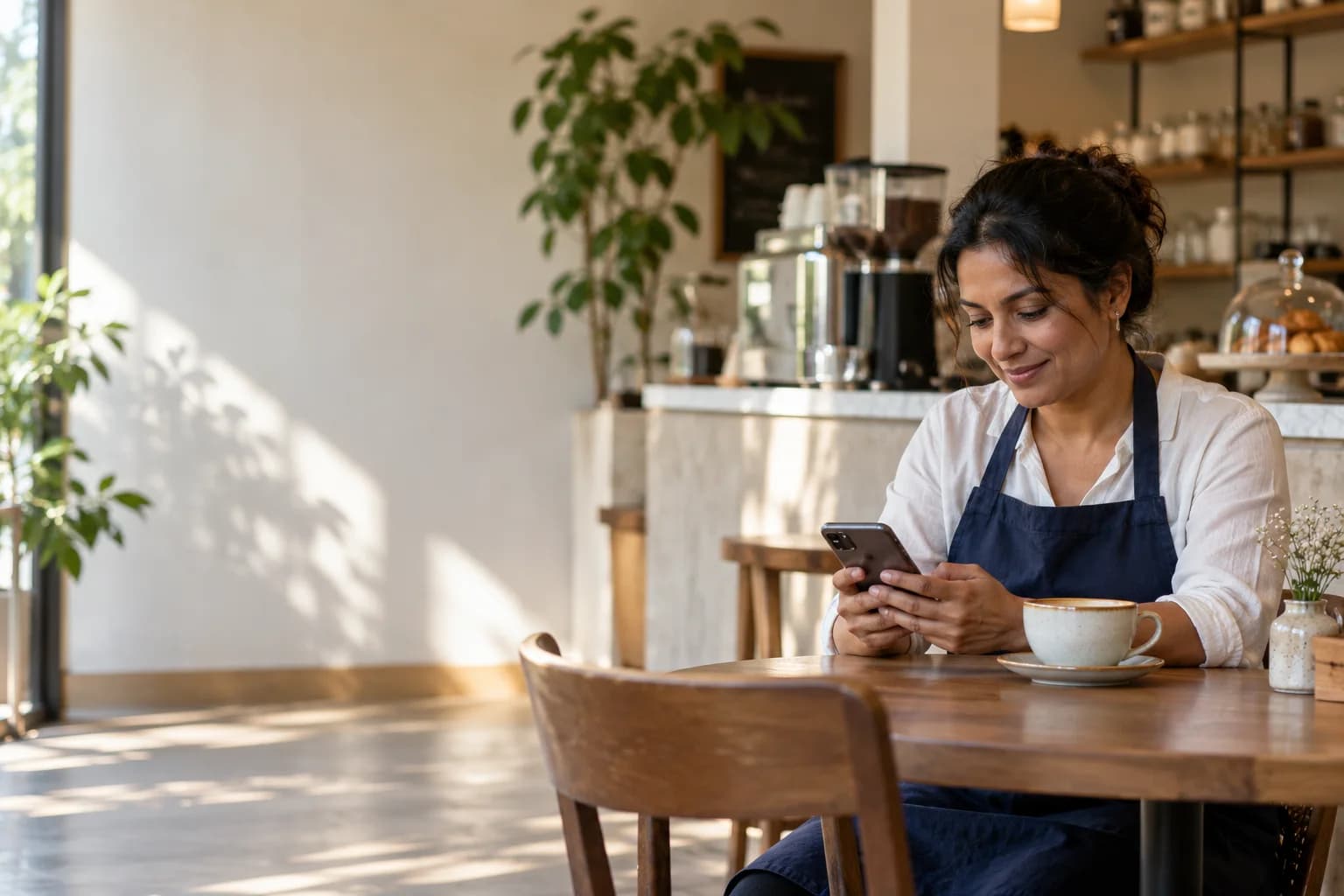
Helpful DM replies
During service, a question about the menu or opening hours is easy to miss.
Linkar can share those prepared answers when someone asks in a supported Instagram conversation. Keep menus and holiday hours at a maintained destination. If someone wants a reservation, send the actual reservation route and explain how confirmation works rather than assuming the DM holds a table.
3 step process
Start with one clear request. Build the answer around the person who sent it.
Check your menu, hours, address, and reservation destination on a phone. Confirm the correct location and current version of each page.
Use MENU for the menu and BOOK for reservation information. Avoid a catch-all reply that treats every message as a table request.
Try a normal enquiry and a special request. Make sure the message states your actual response process when staff are busy serving guests.
Example conversation
Follow one request from the moment it arrives to the step after the reply.
Why it helps
Prepared answers for the questions you already know, and a clear route to your team for the rest.
Use one maintained menu link so seasonal changes do not require rewriting every reply. Include the relevant location when your business has more than one.
Hours, address, and reservation instructions help someone plan a visit. Make special closures visible on the destination instead of leaving an outdated schedule.
Allergen questions, large groups, and event bookings may need a person. Give those enquiries a clear contact path.
Instagram automation for restaurants
Before you switch it on
A sent link is not a confirmed table. Tell guests where to complete their request and who confirms it. Do not answer specific dietary safety questions from a generic flow; let the responsible team review them. Update holiday closures and seasonal menus before leaving replies active through a busy weekend.
Campaign notes
Use the words people actually send, then choose a matching mode that suits the request. An exact campaign code and a broader question keyword serve different purposes. Test an expected request, a longer sentence, and an unrelated message. Review other active flows so the same incoming question does not produce several competing answers.
Prepared replies should answer known questions with information you maintain. They are not a reason to improvise product claims or make custom commitments. Leave a clear route to your team and respect the supported messaging window. If the destination changes, update and retest the reply before the next campaign.
Short answers about accounts, plans and setup. If your question is not covered here, our support team can help.
It can send the reservation destination you configure. Table availability, booking, confirmation, and changes are managed by your restaurant’s existing process. The automated message should make that next step explicit.
No. Use Linkar’s supported builder options to choose the interaction, write your messages, and configure the next steps. Supply your own destinations and test the full journey. If you need help with an account or delivery issue, contact support.
Still have a question?