Instagram Reel shopping link template
Use this Linkar recipe to send a requested shopping link from Reel comments. Select the video, choose SHOP, and customise the sample private reply.
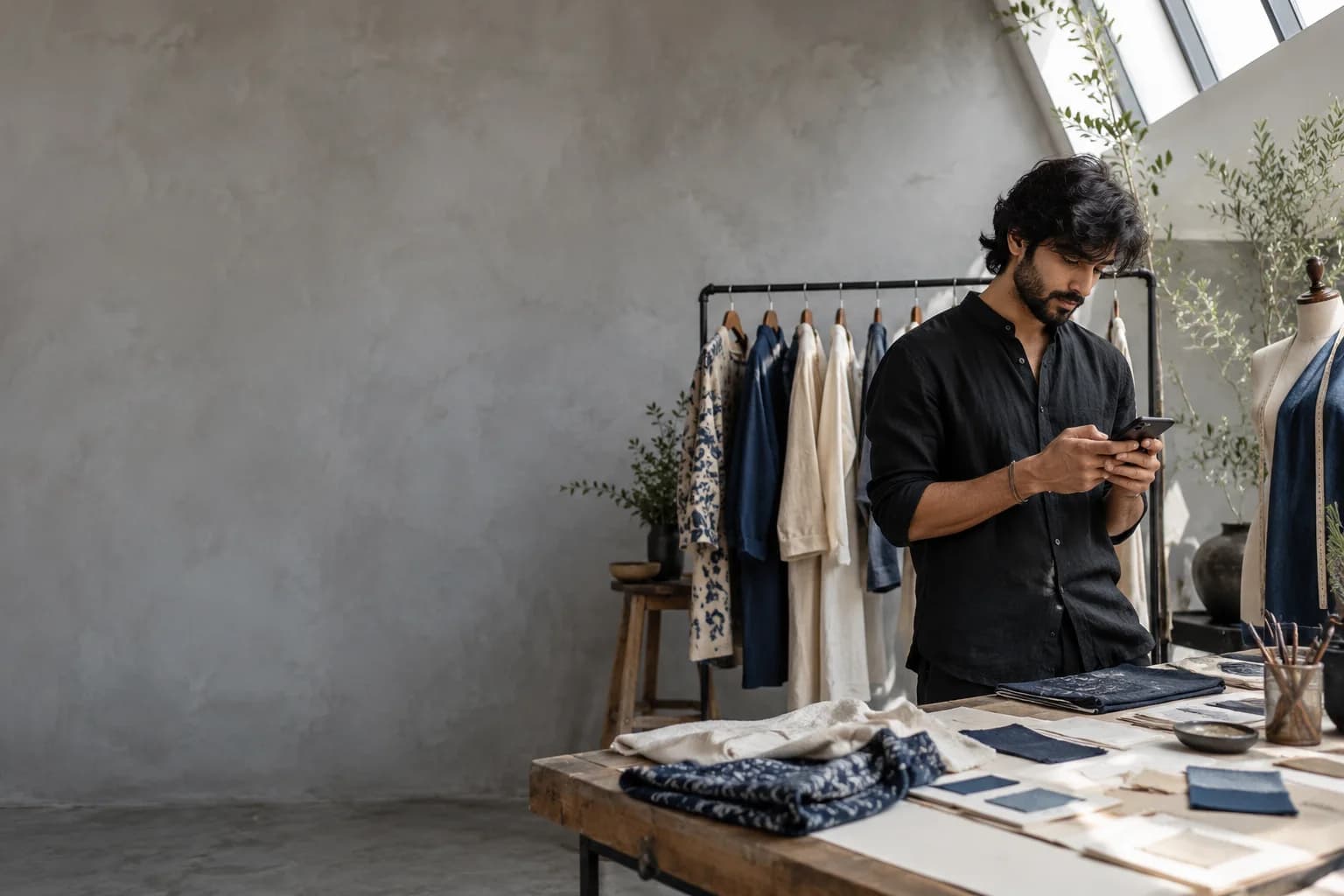
Send fashion product links from Instagram comments with Linkar. Keep posts tied to the right collection and share maintained size and delivery information.
Free to start. Paid plans from ₹199 a month.
Instagram · Comment on a post or Reel
Comments to conversations
A collection post often prompts ‘price?’ and ‘where can I shop?’ before anyone reaches your storefront.
Linkar can share the featured item or collection destination from a requested comment. Keep size guides, stock, and returns information on maintained pages so the reply stays useful as a collection changes. Custom sizing and order questions should reach your team.
3 step process
Start with one clear request. Build the answer around the person who sent it.
Identify the exact product or collection page shown by the content. Check that the destination lists current options and has a working mobile checkout.
Use a word like SHOP or the collection name. Configure the selected posts and write a reply referencing the item the viewer saw.
Prepare a stable policy link and a human route for custom questions. Test an old post as well as the current launch before broadening the campaign.
Example conversation
Follow one request from the moment it arrives to the step after the reply.
your.followernow
LOOK
Before you start
Four things and no developer. With these ready, you can build this workflow and test it from another account.
An Instagram professional account
Business or Creator. Personal Instagram accounts are not supported.
The link you promise in the post
A resource, product or guide page you maintain and have opened on a phone.
The free plan to start
5 automations and 1,000 messages a month. Features and limits depend on the plan.
No code
Choose the interaction, write the reply, and test it from another account.
Why it helps
Each comment gets the answer its post promised, without anyone searching your bio for it.
Give the launch campaign its own post selection and reply. Older outfit posts should not suddenly send an unrelated new collection.
Link to the relevant size chart and measurements. A prepared message should not guess the correct fit for an individual customer.
Use the product page for colour, size, price, and checkout. That is where changing inventory information belongs.
Supported channels
Linkar connects to Instagram professional accounts and Facebook Pages. What an automation can do depends on the channel and the account you connect.
An Instagram professional account, either Business or Creator.
Private replies to comments and supported conversation journeys. Personal Instagram accounts are not supported.
A Facebook Page you are authorised to manage.
Replies are posted publicly under comments on your Page posts, so everyone reading the thread sees the answer.
Before you switch it on
Collections change faster than the posts that feature them. Review links when an item sells out or is discontinued, and be honest when you offer an alternative. Use store analytics to confirm orders. A delivered shopping reply shows that information was sent, not that the customer found a size or completed checkout.
Campaign notes
A comment campaign has several distinct parts: the public instruction, the matching comment, the requested private reply, and any supported interaction that continues the conversation. Make the promise visible before the person comments. Select the intended posts so a campaign does not answer beneath unrelated content.
A private reply does not grant unlimited permission for later messages. Further steps depend on the person’s interaction and the supported messaging rules. Test a fresh request from another account, inspect delivery, and open the resource as a visitor. Keep older posts under review when their offers change.
Short answers about accounts, plans and setup. If your question is not covered here, our support team can help.
Use the maintained size guide for general information and your team for personal fit questions. These automations send your prepared messages; they do not calculate or guarantee an individual’s fit.
Yes. Start with 5 automations and 1,000 messages per month on the free plan. Features and limits depend on the plan and connected account. Compare the current plans before choosing a larger setup.
Still have a question?
Your next reply starts here
Start free with 5 automations and 1,000 messages a month. Choose an interaction, write the answer, and test your first workflow.
Free₹0a month
Creator₹199a month
new.commenternow
LOOK
Reply