Instagram Story reply automation
Reply to Instagram Story responses with Linkar. Send the offer or resource someone asks for and keep Story replies connected to a useful next step.
Use Linkar for beauty brand conversations on Instagram. Send featured product links, answer common shopping questions, and acknowledge Story mentions.
Free to start. Paid plans from ₹199 a month.
Story conversations
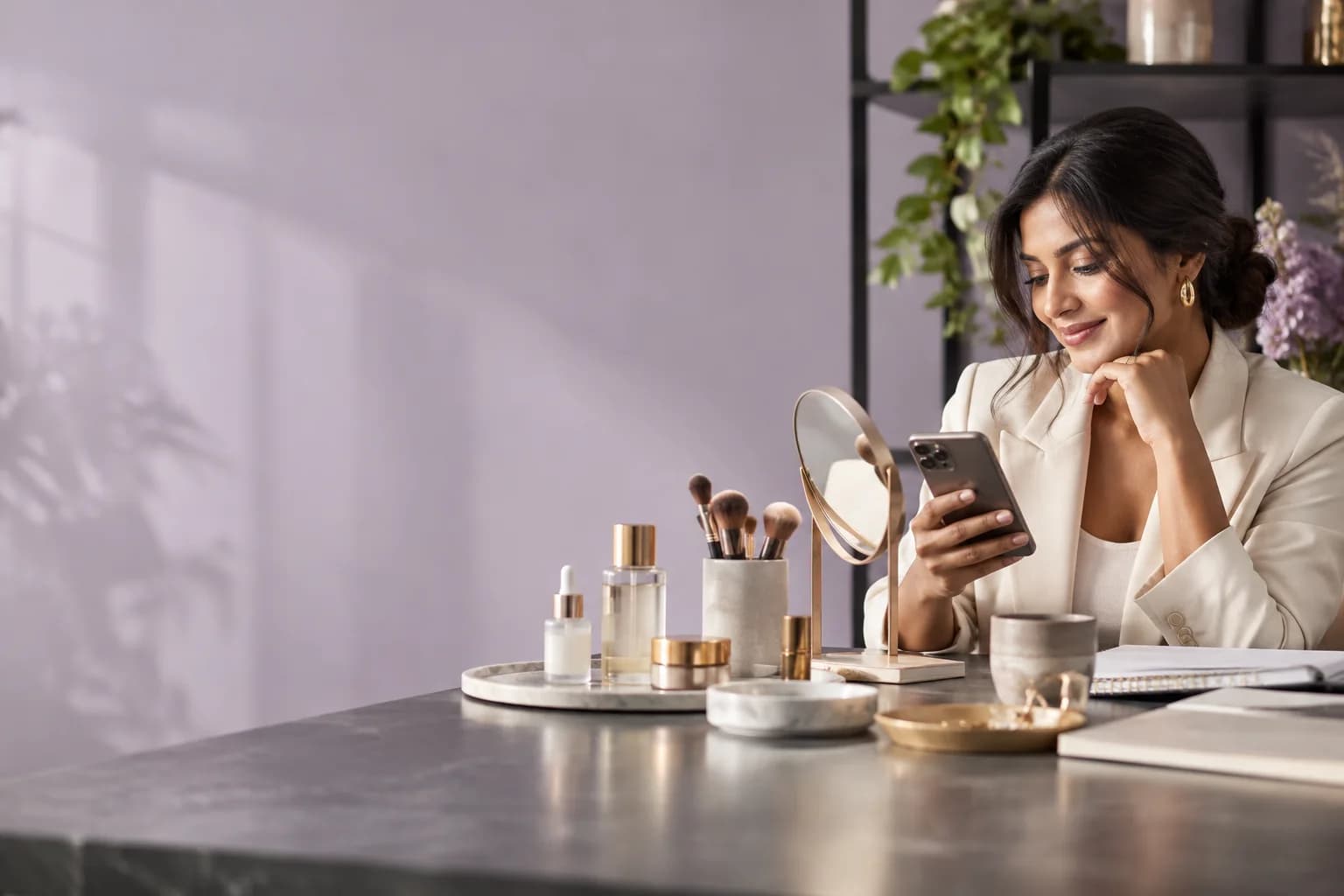
A beauty tutorial creates very specific questions: which shade, which product, and where to find it.
Linkar can send the featured product destination after a requested comment or Story reply. Prepare factual product information and let your team handle suitability questions that need a personal answer. A customer’s Story mention can have a separate, simple thank-you journey.
3 step process
Start with one clear request. Build the answer around the person who sent it.
Check the tutorial’s item list and links. Confirm shade and product names match the content, including older posts that remain active.
Use comments for a Reel request or Story replies for a temporary offer. Keep mention acknowledgements separate from sales replies.
Open the linked products in the Instagram browser. Verify the reply does not imply a shade consultation or product recommendation your team has not provided.
Why it helps
Story replies and mentions get a fitting answer while the moment is still fresh.
Use distinct words or post-specific campaigns for different looks. A viewer should reach the products in that tutorial rather than a broad catalogue.
Send the page containing shade options, ingredients, and current availability. Do not improvise suitability or safety claims in a prepared reply.
Thank people for sharing your brand in a supported Story mention. Ask permission separately if you want to reuse their content.
Example conversation
Today
Replied to your story
Supported channels
Linkar connects to Instagram professional accounts and Facebook Pages. What an automation can do depends on the channel and the account you connect.
An Instagram professional account, either Business or Creator.
Private replies to comments and supported conversation journeys. Personal Instagram accounts are not supported.
A Facebook Page you are authorised to manage.
Replies are posted publicly under comments on your Page posts, so everyone reading the thread sees the answer.
Before you switch it on
Use the maintained product page for ingredients, availability, and instructions. Give sensitive or personal suitability questions to your team rather than a generic keyword flow. If a customer tags you, begin with a thank-you and obtain permission before reposting; a mention is not automatic content reuse consent.
Campaign notes
A Story reply is a response to your own Story. A Story mention arrives when another person includes your account in theirs. These interactions deserve separate triggers and wording. Use a specific request word for an offer, and a short acknowledgement for a mention. Supported event availability can depend on account and privacy context.
Stories and highlights can outlive a promotion. Keep the offer destination current and remove expired instructions. A mention does not automatically establish permission to reuse a customer’s content; ask and review that separately. Test from another account, including any general DM flows that may also match the incoming interaction.
Short answers about accounts, plans and setup. If your question is not covered here, our support team can help.
No. These journeys share the information you prepare and connect people to your team. Personal suitability or health-related questions need appropriate qualified guidance, not a canned product message.
Connect an Instagram professional account, either Business or Creator. Check the capabilities available to that account and use a supported incoming interaction. Personal Instagram accounts are not supported for these automation journeys.
Still have a question?